
 Rewards
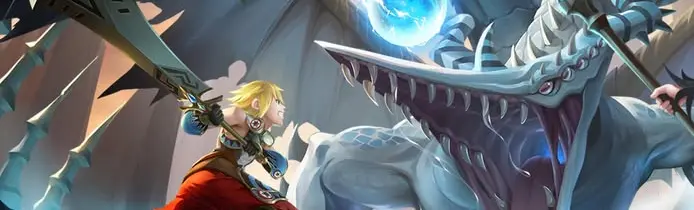

Dragon Nest Classic SEA Drop Link


How to Buy
Please log in first using your cherry credits account.
In the Others section, select GOCpay.
Select the desired amount, then click Confirm.
Generate the link and copy the URL that appears.
Example URL https://pay.goc.id/paymentchannel/walletgoc/?paycode=6b386467-3539-4730-b16e-7a6676663470After generating the payment link, do not change or edit the link, including filling in the login and password fields, as it may shorten the link's expiration time.
Open https://rrqtopup.com/id-id/product/dragon-nest-classic-drop-link
Select the amount according to your purchase.
Select the payment method.
Paste the URL into the available field.
Enter the correct WhatsApp number
Click Buy Now
Click Proceed to Pay
Complete the Payment
Top up will automatically be credited to your account